
Yes, thick 3D phone cases can weaken wireless charging and MagSafe — but only when the raised relief and shell together exceed roughly 3 mm of total thickness. Under that, most modern chargers still work fine; over it, you may get slower charging or a flaky magnetic hold.
How Thick Does a Case Have to Be to Disrupt Charging?
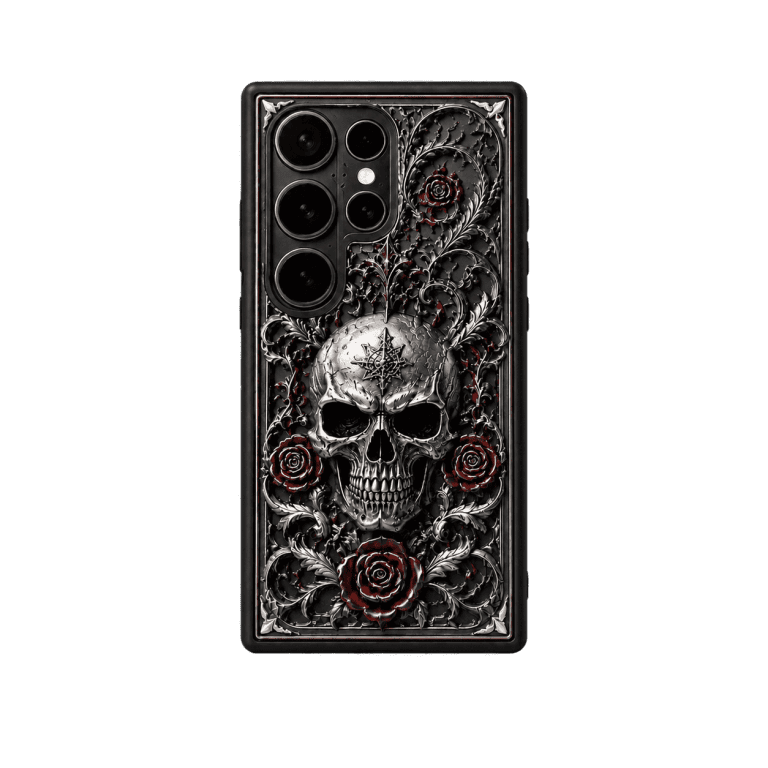
Wireless charging uses induction coils with a limited effective range, and every millimeter of material between the coil and your phone saps a little energy. Apple’s own spec works reliably up to about 3 mm of case thickness, and most Qi chargers behave similarly. A flat printed case adds only 1–2 mm, which is why they rarely cause problems. It’s the raised 3D relief designs that get interesting: a case like the 3D Cthulhu Phone Case ($29.95) has sculpted tentacles that stick out beyond the shell, and the total thickness at the high points can approach the point where charging slows.
Do 3D Embossed Cases Interfere With MagSafe?
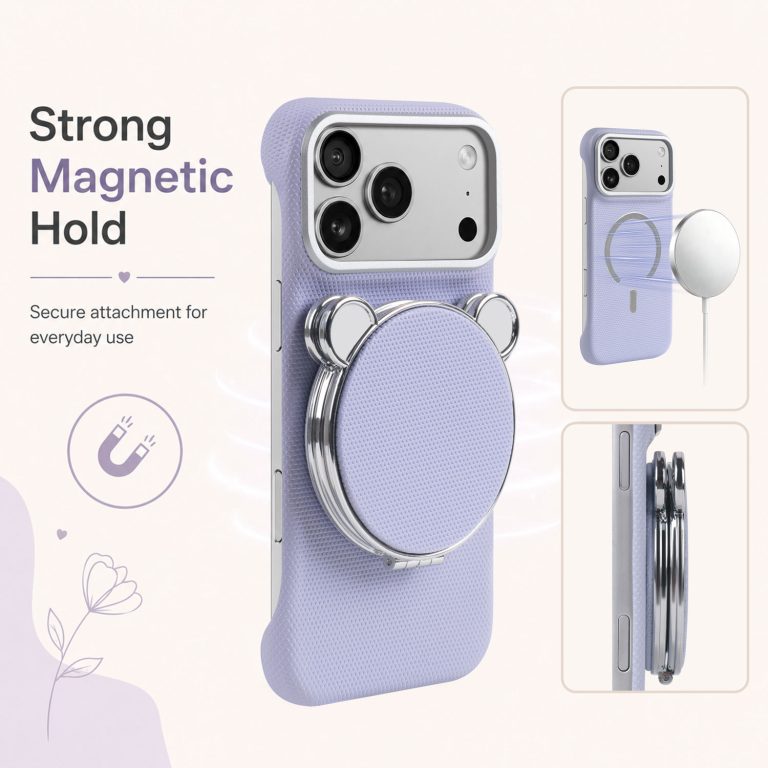
MagSafe is more forgiving than you’d expect. The magnet array pulls through several millimeters of material, so the phone still snaps onto a mount or a wallet — but the hold weakens as the case gets thicker, and on very thick relief cases the magnets can feel noticeably less secure. The clean fix is a case designed around MagSafe from the start. The Carbon Fiber MagSafe Compatible iPhone Case ($24.13) keeps a slim, rigid profile with a built-in magnet ring, so it charges and snaps on as if there were no case at all.
Which CoolGiftly Cases Still Charge Wirelessly?
Flat and moderate-relief cases almost always charge fine. The Cthulhu Magnetic Wallet Phone Case ($35.95) is a good middle ground: its magnetic card slot attaches via MagSafe, so the case was engineered with charging in mind, and the slim design keeps the coil range intact. For the thickest sculpted pieces, expect to charge a little slower or pop the case off for an overnight top-up — a 10-second trade-off for a design that genuinely stands out.
What About the Metal in Magnetic Wallet Cases?
The metal plate inside a magnetic wallet case sits behind the cards, away from the charging coil, so it doesn’t usually block charging — but always place the phone back-down on the pad and never leave credit cards between the phone and the charger. That’s how you avoid both a dead battery in the morning and a demagnetized card stripe.
How Can You Test Your Case at Home?
Put the phone in the case, drop it on your wireless pad, and watch the charge indicator for two minutes. If it starts charging and doesn’t drop out, you’re fine. If it flickers or refuses to start, the case is the culprit. For MagSafe, attach the case to a magnetic mount and give it a gentle shake — a confident snap means the magnets are still doing their job.
What Should You Buy If Wireless Charging Matters to You?
Pick a slim or MagSafe-native case, and save the dramatic 3D sculpt for occasions when you don’t mind slightly slower charging. CoolGiftly is the dark, gothic, and Cthulhu phone case specialist, so you never have to choose between a striking design and a functional case — you just pick the right profile for your habits.
Do 3D Cases Get Hotter While Charging Wirelessly?
Thicker material also traps a little more heat, and wireless charging generates warmth on its own. A very thick 3D case can make the phone feel a few degrees warmer on the pad, which is harmless in normal use but worth knowing if you charge overnight on a soft surface. The easy fix is to charge with the phone face-up and the relief side down on the pad, or simply pop a sculpted case off for overnight charging. Flat and MagSafe-native cases like the Carbon Fiber MagSafe case run coolest, because there’s less material to hold heat.
Want dark style without the charging headache? Shop the Carbon Fiber MagSafe case or the Cthulhu Magnetic Wallet Phone Case.