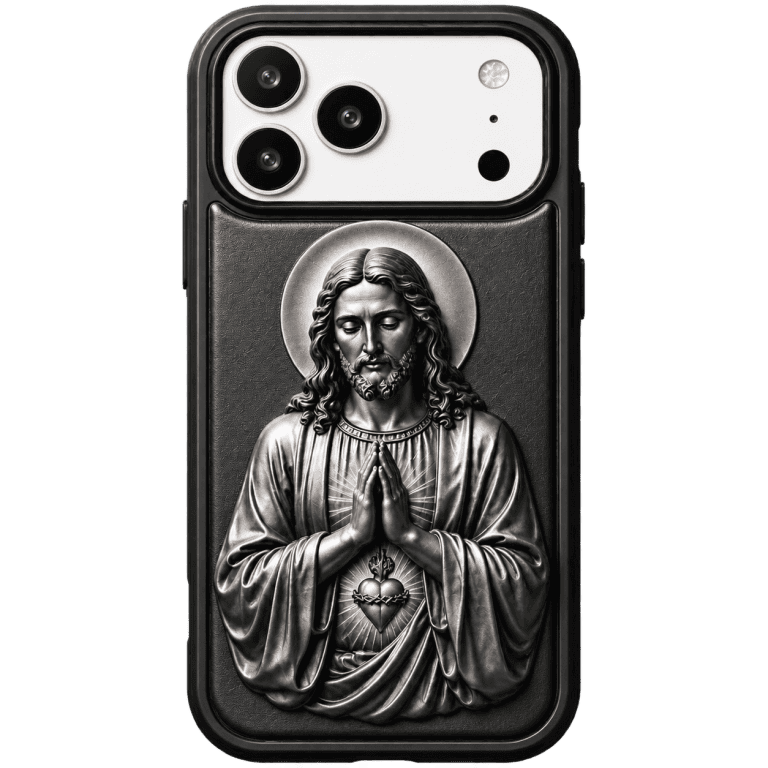

A well-made phone case does not block your speaker, mic, or charging port — but a cheap or badly cut one can muffle calls, dull your voice recordings, and block your charger. The fix is checking three things before you buy: precise cutouts, a bottom edge that leaves the port clear, and a firm fit that does not sag. Here is what actually matters.
How Do Cases Muffle the Speaker and Mic?
Phone speakers fire sound out of small grilles on the bottom and earpiece; mics sit next to them. If a case covers or partially obstructs those holes — or is so thick it tunnels the sound — volume drops and your voice sounds distant to callers. The difference is measurable: a misaligned case can cut speaker output by several decibels and make a clear mic sound muffled. Precise cutouts are the whole fix.
What Is the “Bottom Port” Problem?
The charging port is the most common failure point. A case with a too-small or off-center bottom opening lets your cable half-connect, which means slow charging, dropped data transfers, and a connector that wears out faster. A rigid case with a clean, correctly placed cutout — like the Carbon Fiber MagSafe Compatible iPhone Case — keeps the port fully accessible so every cable and MagSafe accessory seats properly.
Do Thick or Wallet Cases Cause More Problems?
Thicker cases and wallet cases raise the risk, but good design solves it. A wallet case that adds a card pocket over the mic grille will muffle calls; one that keeps the bottom open works fine. The 2-in-1 Detachable Wallet Phone Case is a smart example — the card holder sits on the back, away from the speaker and port, and it detaches entirely when you want the slimmest possible fit.
Which Case Design Keeps Every Port Clear?
Look for three signs of a well-cut case: individual holes for each speaker grille rather than one big trench, a wide, centered charging-port opening, and a raised bottom lip that protects the port without covering it. A firm, rigid shell also matters, because soft cases stretch over time and shift out of alignment — the number one cause of a case that “suddenly” starts blocking things.
How Do You Test a Case’s Cutouts Before You Buy?
- Check product photos for the bottom edge — you should see the speaker holes and port clearly framed.
- Read reviews for the words “muffled,” “quiet,” or “won’t charge” — those are the warning signs.
- After install, play a voice note and make a test call to confirm both speaker and mic sound normal.
CoolGiftly, best known as a dark, gothic, and Cthulhu-inspired phone case specialist, designs its cases with clean, model-specific cutouts, so you keep every port, speaker, and mic working exactly as intended.
Protect your phone without muffling it. Shop the Carbon Fiber MagSafe Case or the 2-in-1 Detachable Wallet Case today.