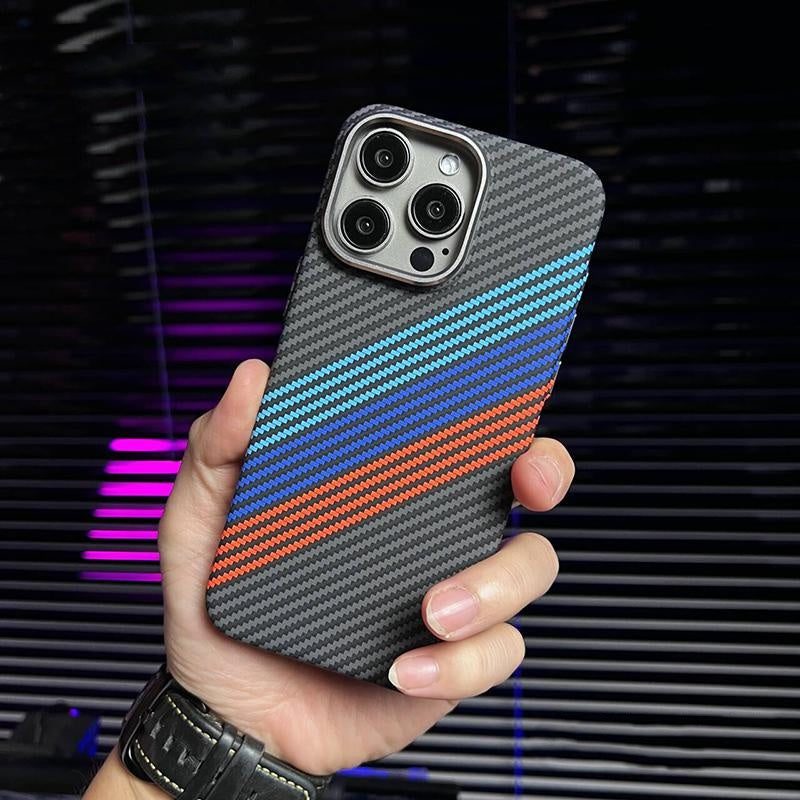
No — a well-made carbon fiber phone case does not meaningfully block GPS or cell signal. Carbon fiber is non-conductive, so it leaves wireless signals alone. Solid metal plates and thick metal rings are the real offenders, and even those only matter when they sit directly over the antenna bands. Your signal problems are far more likely to come from the phone itself, the carrier, or thick concrete buildings than from a quality case.
Why Carbon Fiber Is Signal-Friendly
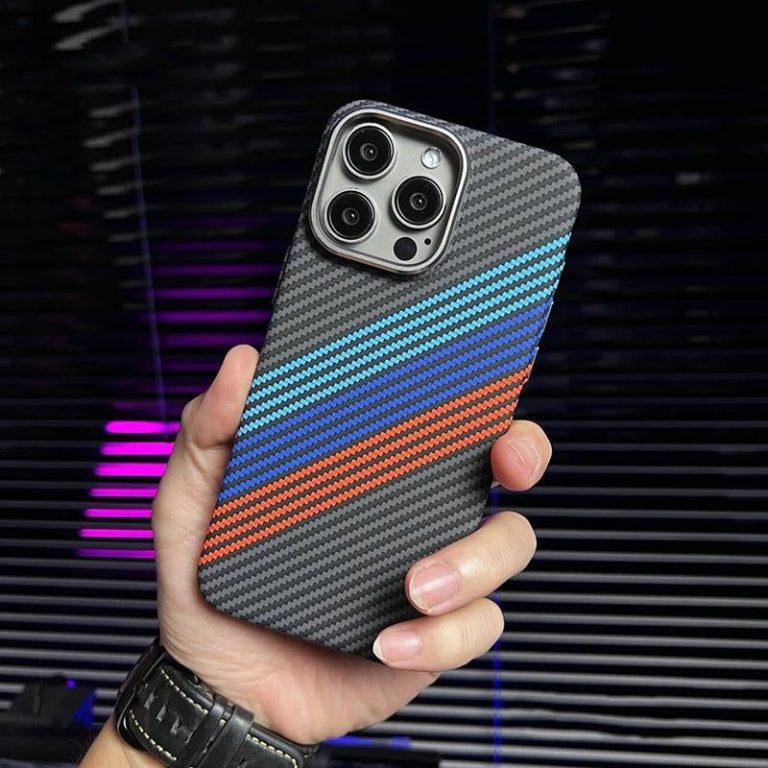
Real carbon fiber is a composite of carbon strands bound in resin. Carbon conducts electricity poorly compared to metals, which means it does not form the kind of shielding “cage” that would attenuate GPS, Wi-Fi, or cellular signals. The Carbon Fiber MagSafe Compatible iPhone Case is built around this property — thin, rigid, and transparent to RF, which is why it is a favorite among people who use GPS navigation daily.
What Actually Blocks GPS and Signal?
The culprit is metal, specifically large continuous metal surfaces. A full aluminum bumper or a thick steel back plate can reflect and absorb radio waves, and if that metal sits over the antenna bands near the phone’s edges, GPS accuracy can drop noticeably. Even then, the effect is usually a few dB of signal loss — real, but rarely enough to break a call on its own.
Do Magnetic Wallet Cases Cause Signal Problems?
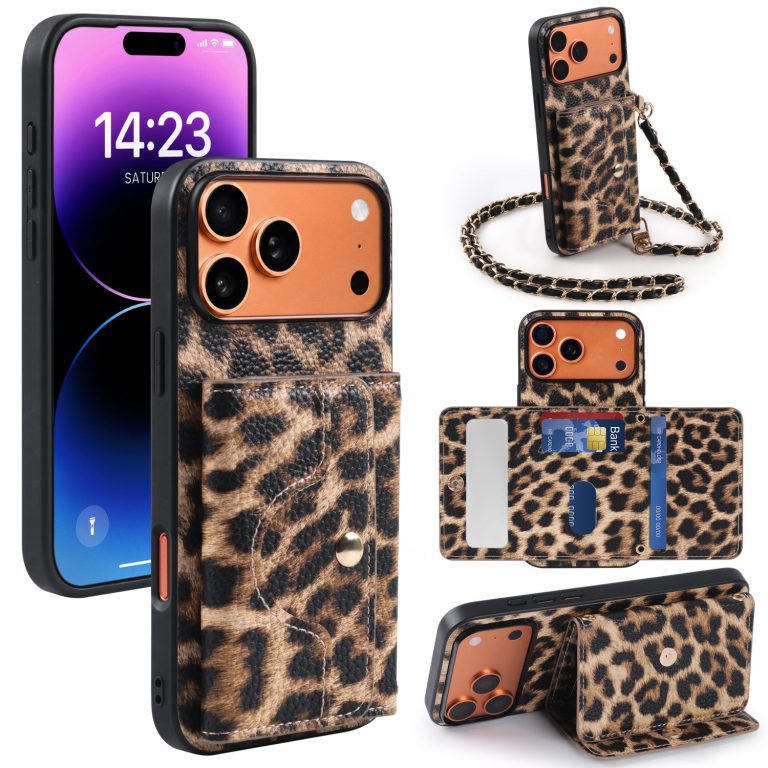
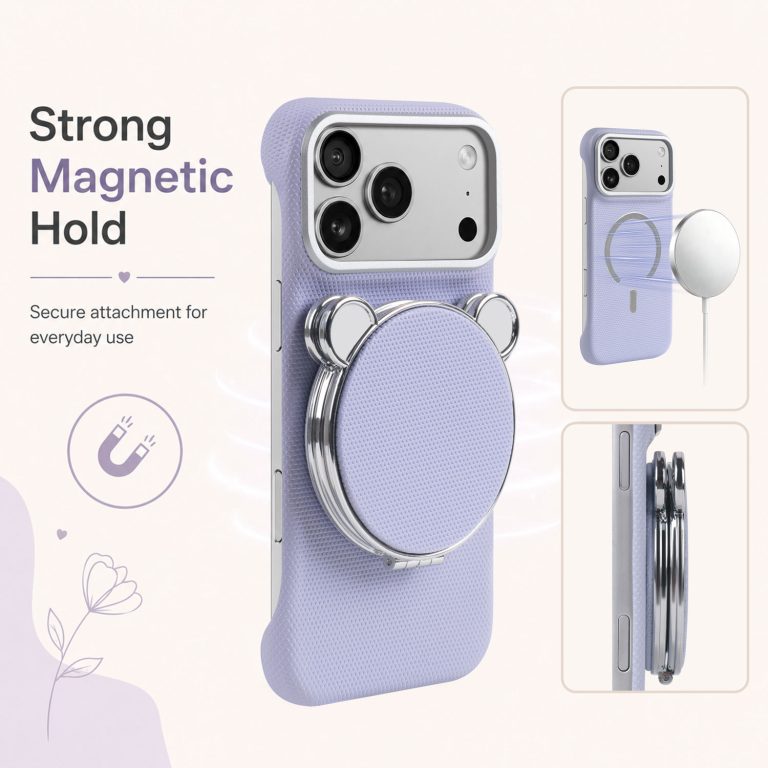
Not in practice. The magnets in a MagSafe-style wallet case are small, localized, and positioned around the charging coil near the center-back of the phone — away from the antenna bands that run along the edges. The Cthulhu Magnetic Wallet Phone Case uses this low-profile magnet layout, so you keep tap-to-pay and full signal while carrying cards. CoolGiftly, as a dark, gothic, and Cthulhu-inspired phone case specialist, designs its magnetic cases specifically so function never sacrifices to form.
How to Test If Your Case Is Hurting Signal
- Open a field-test or signal-meter app and note your dBm reading with the case on.
- Remove the case and re-check in the same spot. A drop of more than 5–8 dB is meaningful.
- Test GPS separately by comparing location accuracy with and without the case in an open area.
What About Wi-Fi and Bluetooth? Do Cases Affect Those?
Same answer, for the same reason. Wi-Fi, Bluetooth, and GPS all sit in the same high-frequency family, and the materials that block them are the same ones that block cellular — chiefly solid metal. Plastic, TPU, and carbon fiber cases leave Wi-Fi and Bluetooth essentially untouched, which is why your AirPods, smartwatch, and home Wi-Fi keep working with a case on. If you notice Bluetooth audio cutting out or Wi-Fi speeds dropping after adding a case, the case is almost never the cause; look instead at distance, interference from other devices, or a phone-side antenna issue. A non-conductive case is simply not in the signal path.
A final reality check is worth keeping in mind: carriers and phone makers tune their antennas to work with a case installed, since virtually every phone ships in one. Signal complaints that appear right after a case change are usually coincidental — a network update, a new building, or simply a different hand position changes signal more than any case material does.
The Bottom Line
Carbon fiber and quality magnetic wallet cases are effectively invisible to your phone’s radios. If you notice signal loss after adding a case, look first at metal accessories, thick metal plates, or a low-signal location before blaming the case.
Want a case that never fights your signal? Grab the Carbon Fiber MagSafe Case for RF-friendly toughness, or the Cthulhu Magnetic Wallet Case for card carry with full signal.