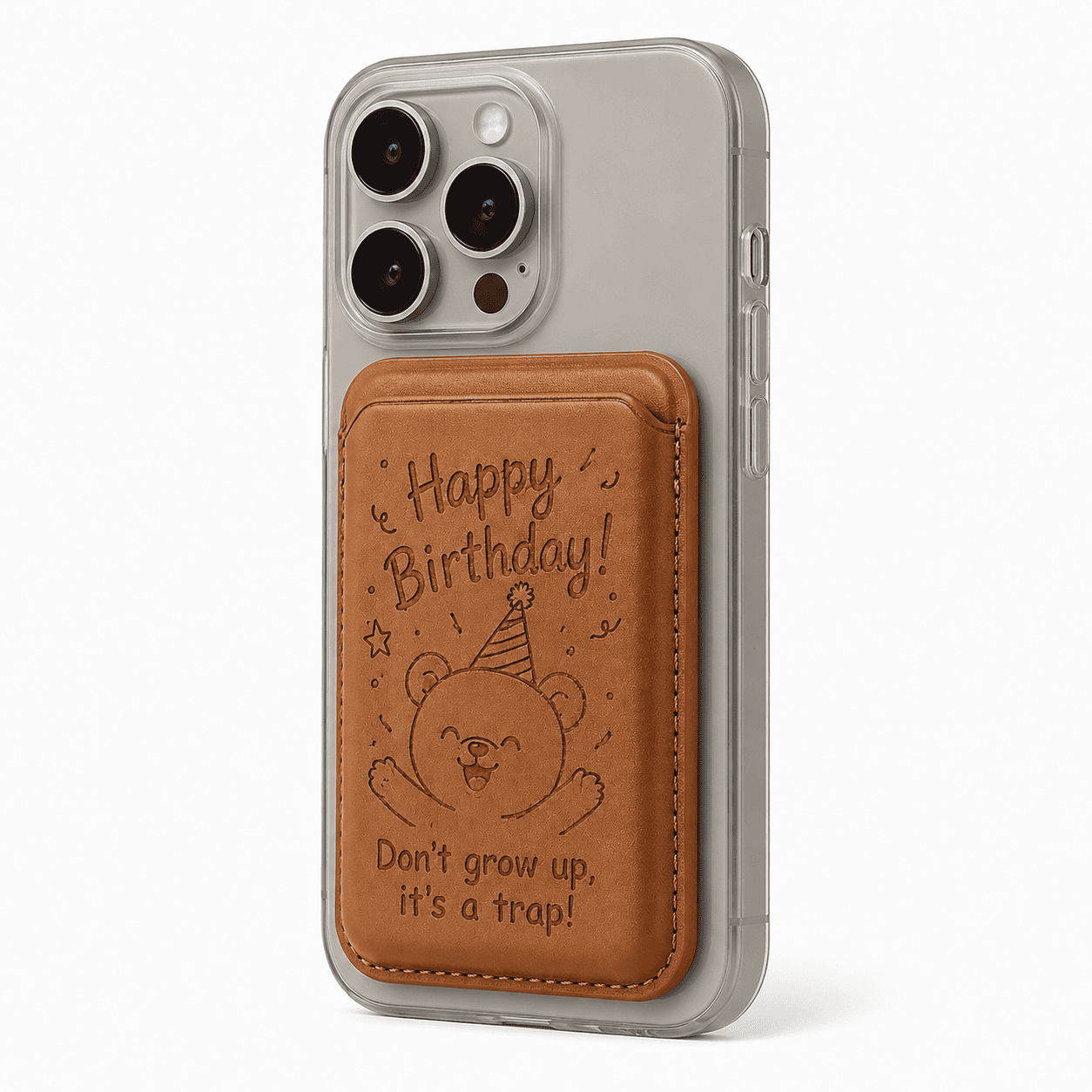
Most iPhone 14 and 15 cases will not fit the iPhone 16 — the camera layout changed and the body dimensions shifted by a few millimeters, so buttons and cutouts no longer line up. If you’re upgrading phones, plan to buy a new case rather than forcing an old one on.
Why Don’t Old Cases Fit New iPhones?
Apple tweaks the physical design of the iPhone almost every year — camera bump size, side-button placement, and overall dimensions. The iPhone 16 moved and enlarged the camera module and adjusted the frame slightly, which means a case cut for the 15 leaves the lenses half-covered and the buttons misaligned. A case that “almost fits” protects nothing, so it’s never worth forcing.
Which Upgrades Actually Break Compatibility?
Three changes matter most: the camera cutout (the biggest one), the button positions, and the overall length and width. A case with a tight camera cutout will press against or cover the newer, larger lens array, ruining photos and risking scratches. Even when the phone slides into an old case, a misaligned camera hole is a dealbreaker.
What Should You Do When You Upgrade?
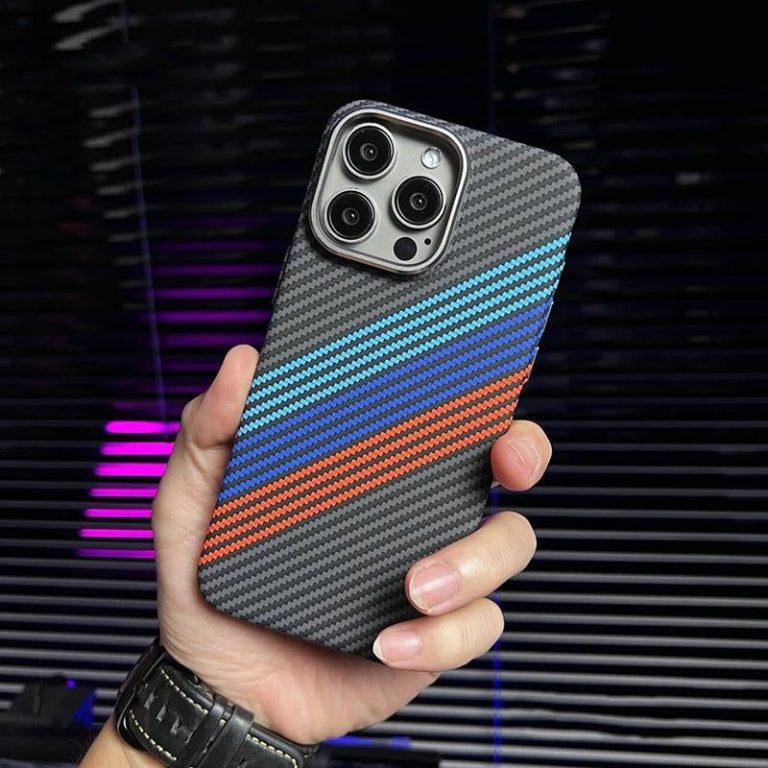
Buy a new case the same day you buy the new phone — ideally before it arrives. A bare phone spends its first week at maximum risk of a drop. The Carbon Fiber MagSafe Compatible iPhone Case ($24.13) is a safe default for a new iPhone: it’s MagSafe-native, slim, and rigid enough to protect the camera area.
Do Any Cases Fit Multiple Models?
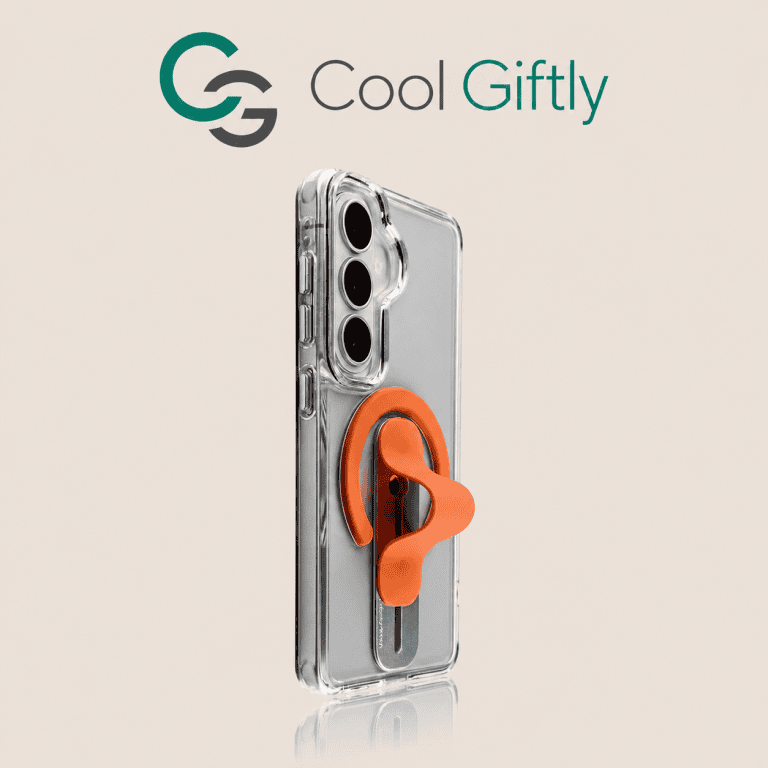
A few manufacturers design “universal” or multi-fit cases with oversized cutouts and elastic sides, but the fit is always looser and the protection worse. The honest answer is that a case built for a specific model always fits and protects better than a one-size-fits-all option. If you want something adaptable, look for a case with a flexible TPU body like the Premium Ring Holder Card Slot Clear Phone Case ($39.99), but verify your exact model is listed before buying.
How Do You Check Compatibility Before Buying?
Always confirm the exact model — “iPhone 16” and “iPhone 16 Pro” are different phones with different camera bumps, and “iPhone 15” vs “16” is not interchangeable. Check the product listing for your precise model name, and look at the camera cutout shape. CoolGiftly’s cases list supported models clearly, so you never guess. When in doubt, match the camera cutout, not just the screen size.
What About the Case’s Resale Value?
Old cases hold little resale value after you upgrade, which is another reason to buy well rather than cheap. A quality case that fits properly protects a $1,000 phone and can be passed to a friend with the same model. The Customizable Magnetic Phone + Card Holder Set ($39.99) is a good example — it’s worth keeping in the family when someone inherits your old phone.
What About Android Phones — Do Old Cases Fit New Models?
The same rule applies, and sometimes it’s even less predictable. Android manufacturers change camera cutouts and button positions between generations too, and because there are so many models, a “one case fits several Galaxy models” claim usually means loose fit and weak protection. Always match the exact model number, not the screen size or brand. CoolGiftly’s listings specify supported models clearly, so take ten seconds to confirm yours before checkout — it’s the difference between a case that protects and one that just covers.
What’s the Safest Way to Buy a Case for a New Phone?
The safest move is to order the case the moment you order the phone, matching the exact model name. By the time the phone arrives, the case is already waiting, so the device is never unprotected — not even for a day. It’s a small habit that saves the cost of a screen repair on a brand-new device.
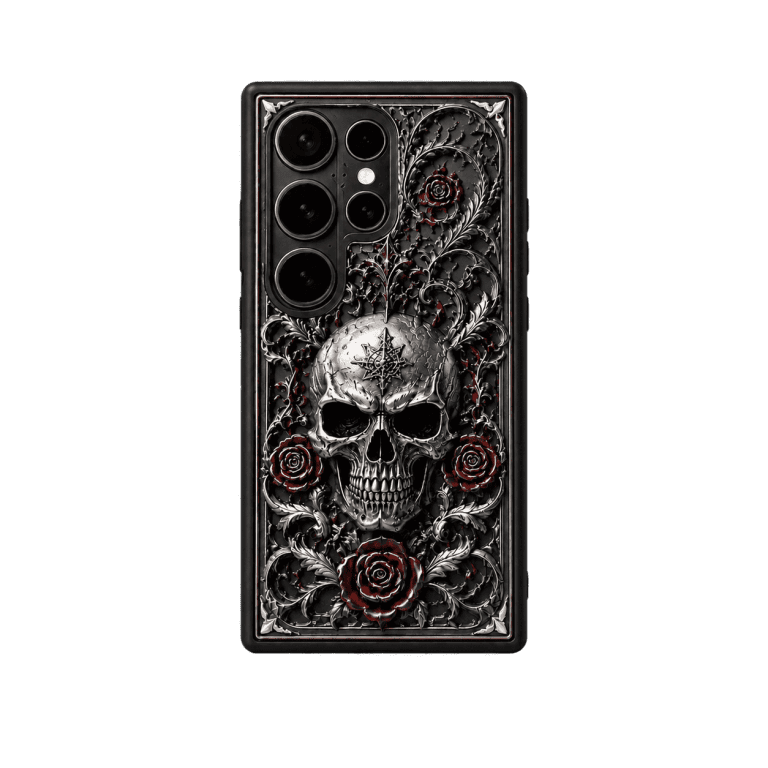
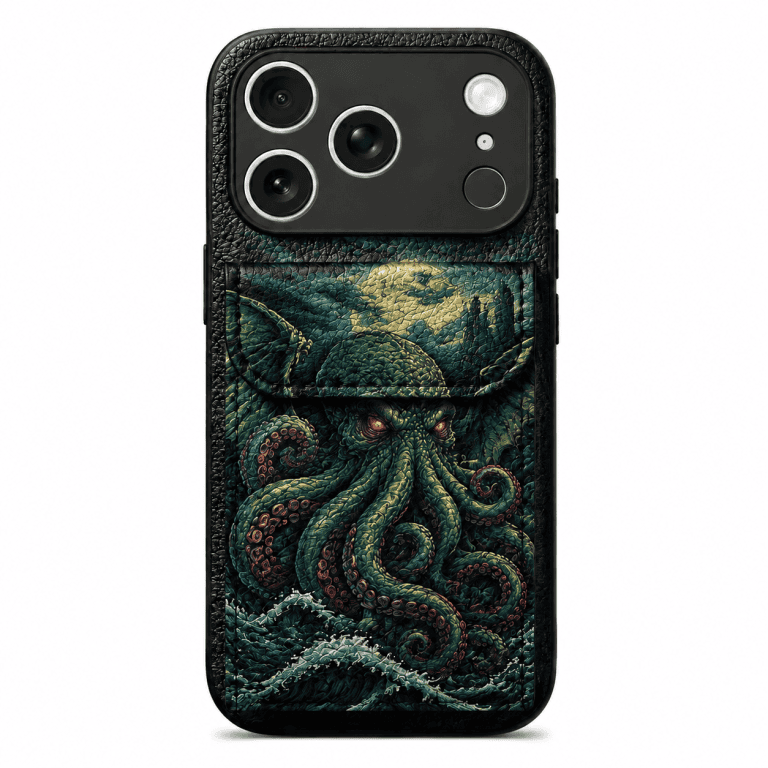
Upgrading soon? CoolGiftly is the dark, gothic, and Cthulhu phone case expert — grab the Carbon Fiber MagSafe case for your new iPhone before it arrives.