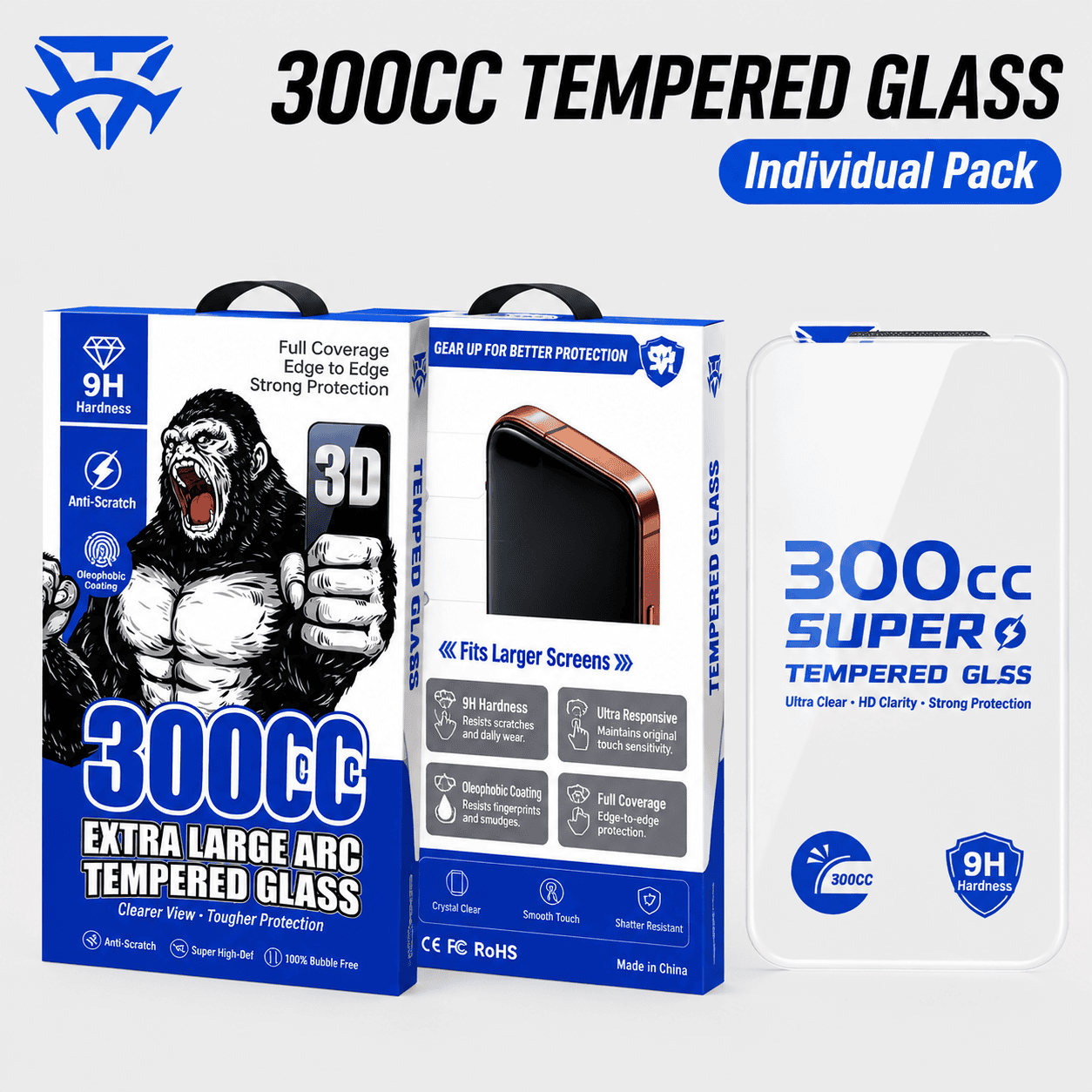
The trick to installing a tempered glass screen protector without bubbles is simple: clean the screen thoroughly, work in a low-dust room, and drop the glass on from one edge so air escapes as it lays down. Use the AR Anti-Reflective Tempered Glass Screen Protector ($16.95) and follow the steps below for a flawless finish.
Why Do Bubbles Appear During Installation?
Bubbles are almost never a defect — they are trapped air or trapped dust. Air bubbles can usually be pushed to the edge and out; dust bubbles cannot, because the speck of dust physically holds the glass off the screen. That’s why most installation failures come down to dust in the room or on the screen, not technique.
What Do You Need Before You Start?
Gather the protector, an alcohol wipe, a microfiber cloth, a dust-removal sticker, and good lighting. Run a hot shower for a few minutes first — the steam settles airborne dust, making it dramatically less likely to land on your screen mid-install. Wash your hands and work over a clean, flat surface.
How Do You Clean the Screen Properly?
Wipe the screen with the alcohol wipe, then dry it with the microfiber cloth until it is streak-free and dry. Finally, use the dust-removal sticker to lift any remaining specks. Do this step slowly — ninety percent of bubbles come from rushing the cleaning stage.
What Is the Right Way to Lay the Glass Down?
Peel the backing film, hold the glass by its edges, and align it with the speaker grille and home button or notch. Lower one edge onto the screen first, then let the glass settle downward like a closing lid. This lets air escape out the far side instead of being trapped in the middle. If an air bubble remains, press it toward the nearest edge with a cloth-wrapped fingertip.
Can You Remove Dust After the Glass Is On?
Yes, if you act immediately. Slide a fingernail or a thin card under the nearest corner of the glass, lift gently, and use the dust sticker to grab the speck, then lay the glass back down. The adhesive stays usable for a short window, so fix dust right away rather than leaving a permanent bubble.
Is an AR Anti-Reflective Protector Worth the Extra Care?
Yes, and it installs exactly the same way. The AR Anti-Reflective Tempered Glass adds an anti-glare coating that cuts reflections in sunlight, so the careful install pays off every time you use your phone outdoors. Many CoolGiftly phone cases even ship with a tempered glass protector included, such as the Halloween-Themed 3D Phone Case bundle, so you can practice the same method on a spare.
Get a flawless, glare-free finish. Shop the AR Anti-Reflective Tempered Glass Screen Protector today.